

Running a business can be overwhelming, but the right productivity apps can make managing tasks, communication, and automation much easier. Here’s a quick guide to five top tools tailored for entrepreneurs:
- Trello: A visual project management tool using Kanban boards for task tracking. Great for organizing workflows with drag-and-drop functionality and automation via its Butler tool. Pricing starts at $5/month per user.
- Notion: Combines notes, databases, and task management in one place. Offers customizable templates and real-time collaboration. Paid plans begin at $4/month.
- Asana: Simplifies complex projects with task dependencies, timeline views, and team collaboration features. Premium plans start at $10.99/month per user.
- Slack: A communication hub with channels, real-time messaging, and app integrations. Paid plans begin at $7.25/month per user.
- Zapier: Automates workflows between apps, saving time on repetitive tasks. Free for basic use; paid plans vary based on task limits.
Each app addresses specific business needs, from task management to team communication and automation. Choosing the right one depends on your priorities and budget.
5 Best Business Productivity Apps | 2025
1. Trello
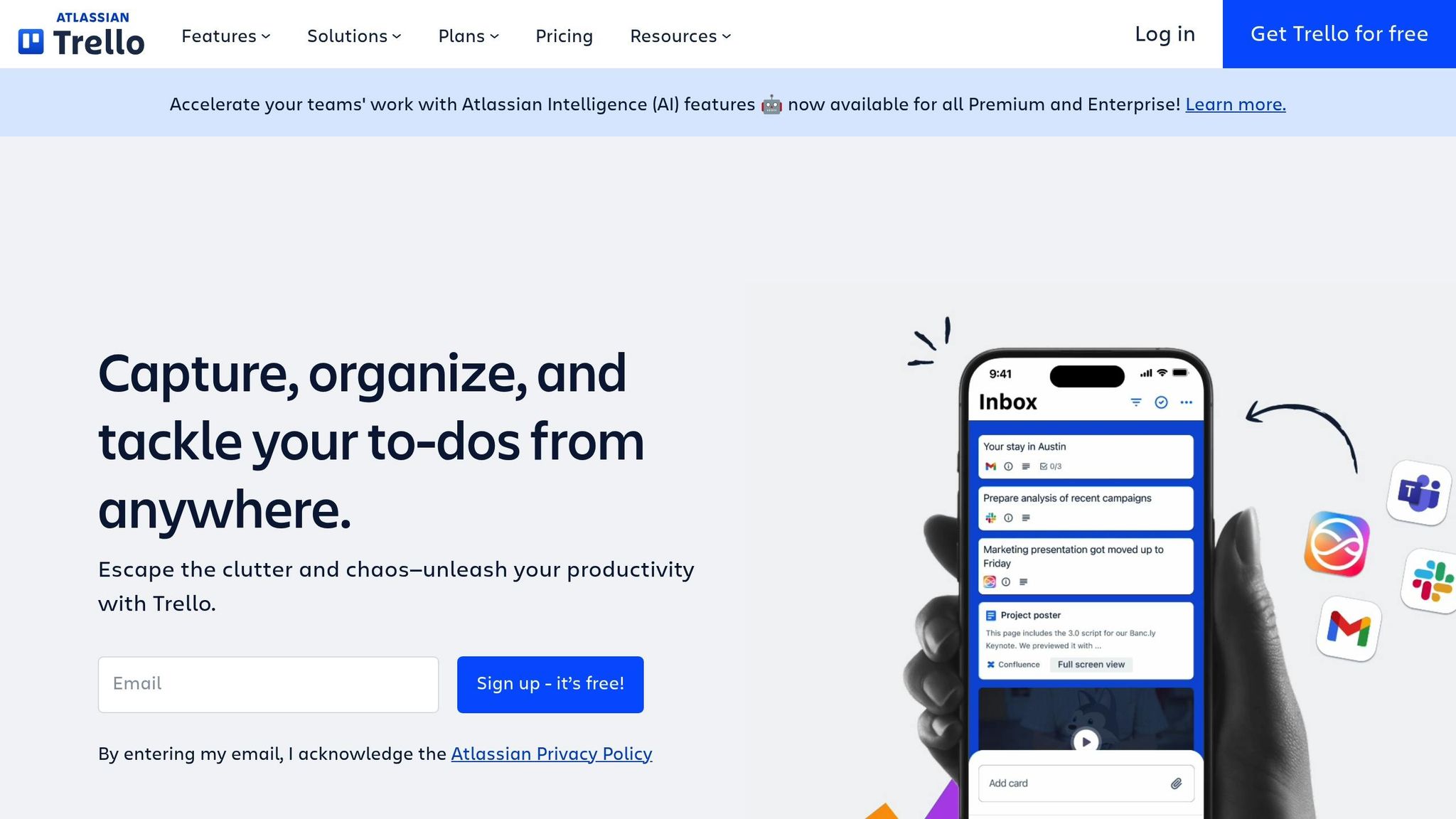
Trello simplifies project management with its user-friendly visual board system, tailored for entrepreneurs who value clarity and efficiency. Instead of navigating through complicated menus, you get digital boards filled with cards that represent tasks. This approach makes it easy to track everything from product launches to client onboarding in a straightforward, visual way.
The platform’s Kanban-style system allows you to create boards for various projects or business areas. Each board is organized into lists like "To Do", "In Progress", and "Completed", with cards that you can move between these stages as tasks progress. Here’s how Trello helps streamline your work.
Task Management
Trello’s cards are more than just placeholders – they’re packed with features like due dates, checklists, attachments, and comments. For entrepreneurs juggling multiple responsibilities, breaking tasks into smaller, manageable steps within each card can make even the most complex projects feel achievable.
The drag-and-drop functionality makes updating task statuses quick and satisfying. Finished drafting that client proposal? Just drag the card from "In Progress" to "Completed." This instant visual feedback keeps you motivated and gives a clear sense of progress.
To stay organized, you can use labels and filters to color-code cards by priority, client, or project type. Need to focus on high-priority tasks or a specific client? Filters let you zero in on what matters most, making it easier to manage multiple projects or clients at once.
Collaboration Features
Trello makes teamwork seamless with shared boards and real-time updates. Assign team members to specific cards, and they’ll receive notifications, allowing them to add comments, upload files, or update progress directly. No more endless email chains or unnecessary status meetings.
The activity feed provides a detailed view of all recent actions, showing who moved which cards, added comments, or updated deadlines. This transparency keeps everyone on the same page without requiring constant oversight.
With customizable board permissions, you can control who can view, edit, or comment on your projects. For instance, you can grant clients view-only access to monitor their project’s progress while keeping internal strategy boards private for your team.
Automation Capabilities
Trello’s Butler automation tool takes care of repetitive tasks by setting rules, such as automatically moving cards to "In Progress" when assigned or creating recurring cards for regular tasks. This can save you valuable time and reduce manual admin work.
Templates are another time-saver, allowing you to replicate successful board structures for new projects or clients. This ensures consistency and eliminates the hassle of starting from scratch every time.
Trello also integrates with popular calendar systems like Google Calendar, Outlook, and Apple Calendar, syncing due dates to help you stay on top of deadlines – even when switching between tools throughout your day.
Pricing (USD)
Trello offers a range of pricing options to suit different needs:
- Free Plan: Includes unlimited personal boards, cards, and up to 10 team boards, making it ideal for solo entrepreneurs or small teams.
- Standard Plan: At $5.00 per user per month (billed annually), this plan adds unlimited boards, advanced checklists, calendar view, and larger file attachments (up to 250MB). It’s a great fit for growing businesses.
- Premium Plan: At $10.00 per user per month, this tier includes timeline and dashboard views, advanced Butler automation, and unlimited Power-Ups.
- Enterprise Plan: For $17.50 per user per month, this option provides advanced security features and administrative controls, catering to larger organizations with compliance needs.
2. Notion
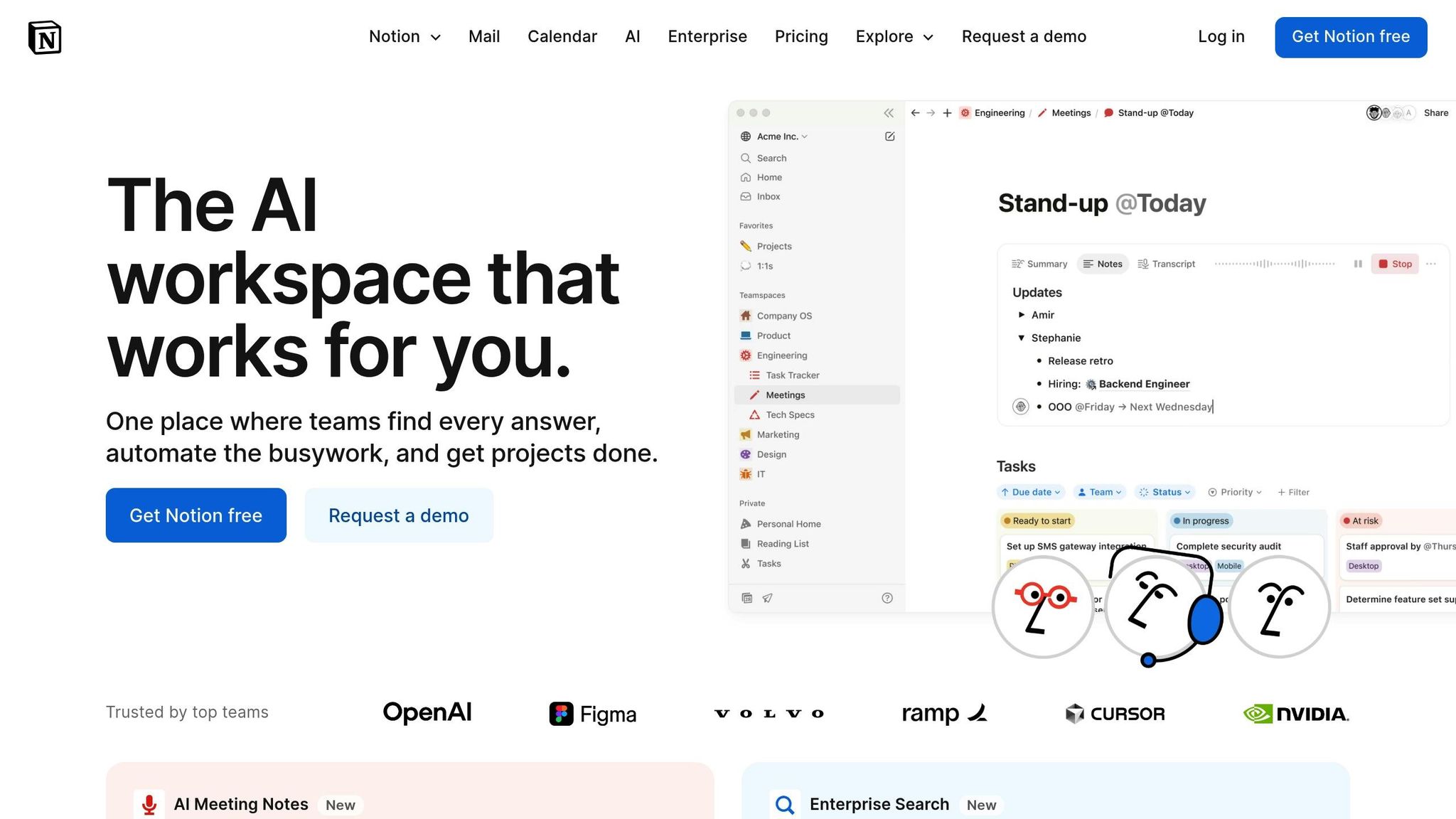
Notion brings together task management, documentation, and collaboration in one streamlined workspace. Say goodbye to juggling multiple apps – Notion lets you handle notes, tasks, and team collaboration all in one place.
The platform’s block-based design allows you to create custom pages using a variety of content types, such as text, databases, calendars, kanban boards, and media files. Whether you need a simple to-do list or a detailed client relationship management system, Notion adapts to your needs.
Task Management
Notion takes task management to another level with its database features. Instead of basic lists, you can build task databases with custom properties like priority levels, project categories, client assignments, and progress tracking. Each task can include detailed notes, attachments, and subtasks, making it easy to stay on top of your work.
You can switch between different views – kanban, calendar, or table – to track and organize tasks in the way that works best for you. Whether you’re setting quarterly goals or managing daily to-dos, this flexibility keeps everything on track.
Formulas and rollups add another layer of functionality. Automate calculations, such as project completion percentages, time tracking for clients, or budget summaries. These tools give you a clear picture of how your time and resources are being used.
Notion also simplifies recurring processes with templates. For instance, you can create a client onboarding template that includes all the necessary tasks, documents, and checklists. Duplicate it for each new client to save time and ensure consistency.
Next, we’ll dive into how Notion’s collaboration features keep your team aligned and efficient.
Collaboration Features
Notion’s real-time collaboration tools make teamwork seamless. Team members can edit pages at the same time, leave comments on specific sections, and tag colleagues to highlight important updates. The page history feature keeps track of all changes, showing who made edits and when.
With permission controls, you can manage access at a granular level. Share entire workspaces with your team while giving clients view-only access to specific project pages. Some users even create client portals in Notion, offering transparency into project progress without exposing internal workflows.
The synced blocks feature ensures consistency across pages. For example, if you update a client’s contact details in one location, it automatically updates everywhere that information appears. This eliminates the hassle of managing duplicate data.
Notion also makes it easy to connect related content. Link project pages to client profiles, tie tasks to meeting notes, or reference previous templates. These connections create a network of information, making it simple to find the context you need.
Pair these collaboration tools with automation to cut down on repetitive tasks.
Automation Capabilities
While Notion’s built-in automation is somewhat limited, its API allows for seamless integration with external automation platforms. For example, you can set up workflows that create new database entries when forms are submitted or update project statuses based on triggers from other tools.
Notion’s database templates offer a form of automation for repetitive tasks. Pre-fill templates with default values, standard formatting, and essential information. This ensures team members start with a consistent structure every time they create a new entry.
The formula system adds another layer of automation by handling calculations and data processing. Whether you’re tracking project profitability, measuring goal progress, or allocating resources, Notion can handle it with ease.
Pricing (USD)
Notion offers several pricing options to suit different needs:
- Personal Plan: Free, with unlimited pages and blocks for personal projects.
- Personal Pro: $4.00 per month, offering unlimited file uploads and version history.
- Team Plan: $8.00 per user per month (billed annually), including collaborative workspace features and advanced permissions.
- Enterprise Plan: $15.00 per user per month, featuring enhanced security, user management, and priority support.
For most growing businesses, the Team Plan strikes the right balance. It provides robust collaboration tools and workspace management features without requiring the higher cost of the Enterprise Plan.
3. Asana
Asana stands out for its ability to break down large, complex projects into smaller, actionable tasks while keeping teams aligned on priorities and deadlines. Its visual project tracking tools and goal-setting capabilities make it an excellent choice for entrepreneurs juggling multiple initiatives and needing a clear overview of their operations.
One of Asana’s key strengths is its flexibility. Whether you’re running a solo operation or managing a growing team, the platform adapts to your needs and scales alongside your business.
Task Management
At its core, Asana’s task management system is built around projects, tasks, and subtasks. Each task can be customized with descriptions, file attachments, due dates, and even custom fields tailored to your business needs.
The My Tasks feature gathers all your assignments across various projects into one view, letting you sort by due date, priority, or project. This makes it easier to stay on top of your daily workload.
Asana also helps you avoid bottlenecks with its custom fields and dependency features, which dynamically adjust timelines. If a task is delayed, dependent tasks are automatically updated, and team members are notified. This ensures your projects stay on track.
You can choose from list, board, timeline, or calendar views, depending on your planning style, making task organization both flexible and efficient.
Collaboration Features
Asana keeps teams connected with proofing, comments, and @mentions, allowing feedback to be attached directly to files. This eliminates the chaos of email threads and ensures no detail gets overlooked.
Project status updates provide a structured way to keep stakeholders informed. You can create weekly or monthly reports highlighting milestones, upcoming deadlines, and any challenges. These updates are shared automatically with project followers, creating a record of progress.
The inbox feature centralizes notifications, comments, and assignments, so you can quickly identify what needs your attention without constant interruptions.
With team pages, you gain visibility into everyone’s workload and priorities. This transparency helps prevent overloading team members and makes task redistribution easier when priorities shift or someone becomes unavailable.
Asana also offers guest access, enabling you to include clients and external partners in specific projects. Permissions can be set to control what they can view or edit, ensuring secure collaboration.
Automation Capabilities
Asana’s Rules feature simplifies task management by automating repetitive actions. For instance, you can automatically assign tasks when they’re moved to specific sections or trigger notifications for high-priority tasks nearing their deadlines.
The Forms feature streamlines how tasks enter your system. External requests, like client inquiries or bug reports, can be converted into properly formatted tasks with all the necessary details, saving time and reducing errors.
Additionally, Asana integrates with over 200 third-party apps, including Adobe Creative Suite, Salesforce, and QuickBooks. These integrations create seamless workflows, cutting down on manual data entry and boosting efficiency.
Pricing (USD)
Asana offers pricing options to suit businesses of all sizes:
- Basic Plan: Free for teams of up to 15 members, including unlimited tasks, projects, and basic dashboard features.
- Premium Plan: $10.99 per user per month (billed annually), offering timeline views, custom fields, advanced search, and reporting tools.
- Business Plan: $24.99 per user per month (billed annually), adding features like portfolios, workload management, advanced integrations, and custom branding.
- Enterprise Plan: Custom pricing starting around $30.00 per user per month, with advanced security, data export options, and priority support.
For most small to medium businesses, the Premium Plan strikes a great balance by unlocking timeline management and custom field tracking, which are essential for professional project management.
sbb-itb-fc951a8
4. Slack
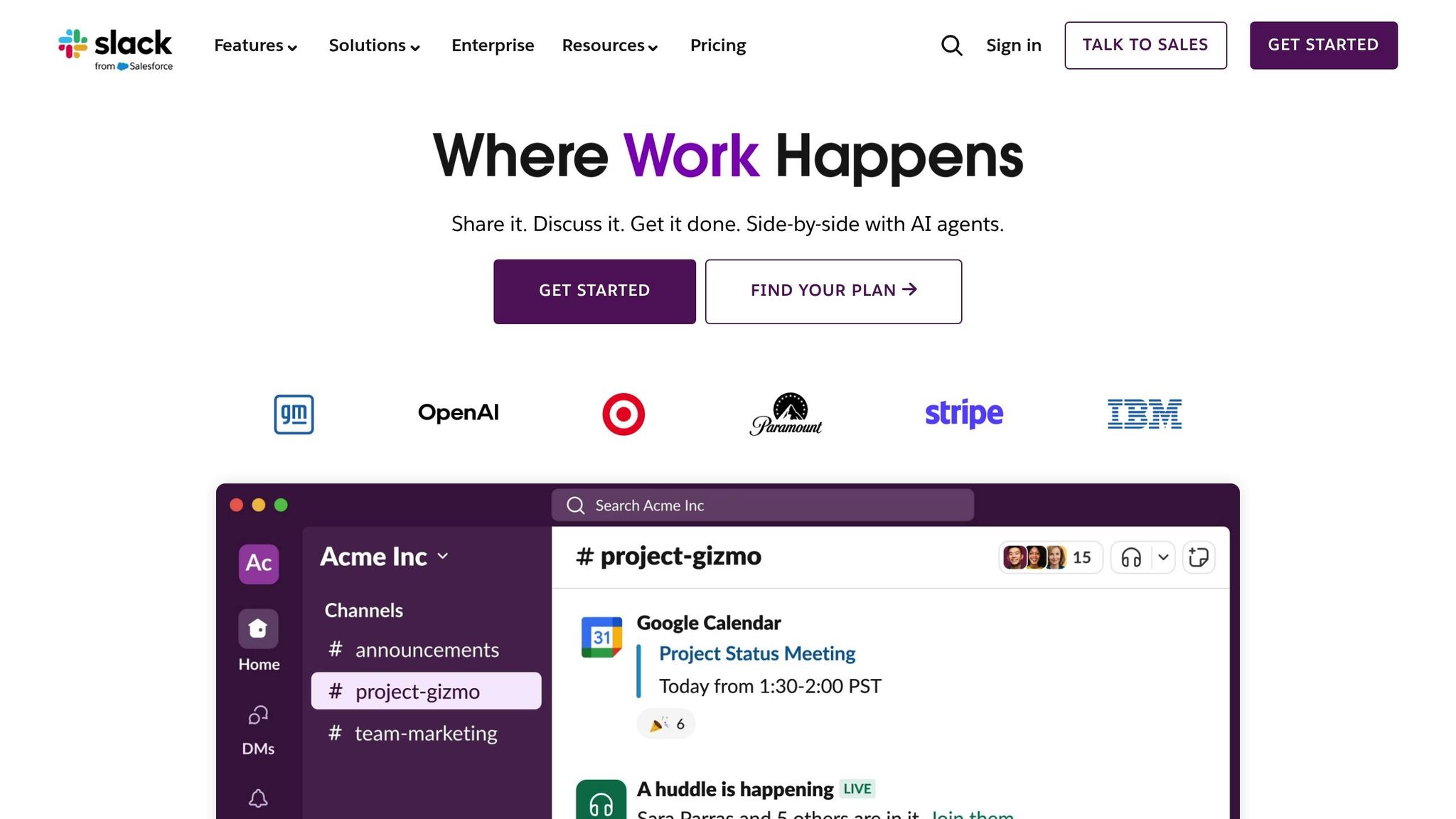
Slack complements task and project management tools by simplifying how teams communicate. It brings all your team’s conversations, files, and integrations into one centralized workspace. With its channel-based messaging and extensive app ecosystem, Slack helps keep communication clear and ensures that remote or distributed teams stay connected.
It’s a great way to cut down on email overload and foster more focused, efficient communication.
Collaboration Features
Slack organizes team discussions through channels, which can be tailored to specific projects, departments, or topics. This structure ensures conversations stay on track and makes it easy to locate relevant information. For sensitive matters, private channels are available, while public channels promote transparency.
Need a quick chat? The direct messaging feature allows for one-on-one or small group conversations without cluttering the main channels. For real-time collaboration, Huddles enable instant voice or video calls directly within Slack, eliminating the need to switch between apps.
File sharing is a breeze – upload documents or images directly into channels, complete with previews. Team members can comment or react, streamlining the feedback process.
For working with external partners, Slack Connect allows secure communication outside your organization. Shared channels or direct messages can be set up with clients, vendors, or collaborators, all while maintaining control over shared content.
Slack’s powerful search function ensures you can easily find past conversations, files, or decisions, turning your workspace into an accessible knowledge base.
And it’s not just about communication – Slack also automates repetitive tasks to save time and boost productivity.
Automation Capabilities
With Workflow Builder, you can automate everyday tasks without needing any coding skills. For example, you can create workflows to onboard new team members, gather feedback through forms, or send reminders for recurring tasks. These workflows can be triggered by specific events or schedules, reducing manual effort.
Slack also integrates seamlessly with apps like Google Drive, Trello, Salesforce, and Zoom, making it easy to bring your favorite tools into the platform. Custom slash commands and bots further simplify tasks like scheduling meetings, checking project updates, or generating reports.
To help you stay on top of things, Slack offers AI-powered features like summaries, daily recaps, and file highlights, so you can quickly catch up on important discussions.
Pricing (USD)
Slack offers four pricing options to suit different business needs:
- Free Plan: $0.00 forever. Ideal for small teams with basic communication needs. It includes 90 days of message history and up to 10 app integrations.
- Pro Plan: $7.25 per user per month (billed annually) or $8.75 per user per month (billed monthly). Includes unlimited message history, unlimited app integrations, and group video calls for up to 50 participants.
- Business+ Plan: $15.00 per user per month (billed annually) or $18.00 per user per month (billed monthly). Adds advanced AI tools, SAML-based Single Sign-On, and a 99.99% uptime guarantee.
- Enterprise+ Plan: Custom pricing available through sales contact. Designed for large organizations with complex security and compliance needs.
For most small businesses and growing teams, the Pro Plan strikes a great balance. Its unlimited message history and app integrations are especially useful for teams that need to reference past decisions and streamline workflows.
5. Zapier
Zapier is a go-to tool for automating workflows and connecting apps, saving you from the hassle of repetitive tasks. Instead of manually transferring data or performing the same actions repeatedly, Zapier allows you to create automated workflows, aptly called "Zaps", to handle these tasks for you. It operates continuously in the background, linking thousands of apps to help you run your business more efficiently.
For entrepreneurs managing multiple platforms and tools, Zapier acts as the glue that holds everything together. Whether it’s transferring leads from your website to your CRM, scheduling social media posts, or organizing customer feedback, Zapier takes care of the grunt work, freeing you up to focus on growing your business.
Automation Capabilities
Building on features like task management and collaboration from other tools, Zapier takes efficiency a step further by automating workflows between apps. Each Zap consists of a trigger (an event that starts the process) and one or more actions (the tasks Zapier performs in response). Setting up these workflows is simple, thanks to an intuitive, no-code interface.
Some popular use cases include automatically adding new email subscribers to your CRM with the right tags, saving email attachments to cloud storage, creating calendar events from form submissions, or sending Slack notifications when your brand is mentioned on social media.
Zapier’s multi-step Zaps allow for more complex automation. For instance, when a customer makes a purchase, Zapier can automatically add them to your CRM, send a personalized welcome email series, generate a support ticket, and notify your fulfillment team – all without you lifting a finger.
To make automations even smarter, Zapier includes filters and formatters. These tools let you set conditions for when a Zap should run, adjust data formatting before transferring it between apps, and even perform simple calculations or text edits. This customization ensures your workflows align perfectly with your business needs.
For teams, Zapier offers shared Zaps, so everyone can benefit from the same streamlined processes. Scheduled Zaps are also available, making it easy to automate recurring tasks like generating weekly reports or sending regular updates to your team.
Pricing (USD)
Zapier’s pricing is designed to accommodate businesses of all sizes. It offers a free plan for basic automation needs, while paid plans provide higher task limits and advanced features. These tiers scale with your business, allowing you to choose an option that matches your budget and workflow requirements. For the most accurate pricing details, check Zapier’s official website.
Many entrepreneurs find that mid-tier plans strike the right balance between affordability and functionality. These plans typically offer enough tasks and features to handle more advanced automation needs without overwhelming your budget.
Advantages and Disadvantages
Each app comes with its own set of strengths and limitations. Knowing these trade-offs can help you choose the tool that fits your business needs and budget.
Trello shines with its visual task management system, thanks to its intuitive Kanban boards. It’s an excellent option for those who prefer a clear, visual overview of their projects. However, the free version might not meet the needs of rapidly growing businesses due to its lack of advanced features.
Notion is an all-in-one workspace that combines notes, databases, and project management in one place. While its flexibility is impressive, mastering its customization options can take some time. Team collaboration features are available, but only on paid plans.
Asana strikes a good balance between functionality and simplicity, making it ideal for startups managing tasks and projects. Its user-friendly interface is a plus, but unlocking advanced features requires upgrading to a paid plan.
Slack improves team communication with real-time messaging and a wide range of app integrations. It’s especially useful for remote teams aiming to reduce email clutter. However, the free plan limits message history to 90 days, and paid plans require at least three users, which might not suit solo entrepreneurs or very small teams.
Zapier is a powerful tool for automating repetitive tasks by connecting thousands of apps. That said, its task limits can be restrictive, potentially leading to higher costs for users with heavy automation needs.
Here’s a quick comparison of the core strengths and weaknesses of each app:
| App | Strengths | Weaknesses | Best For |
|---|---|---|---|
| Trello | Visual task management, easy to learn, generous free plan | Limited advanced features | Visual thinkers, small teams, basic project tracking |
| Notion | All-in-one workspace, highly customizable | Steeper learning curve for new users | Content creators, knowledge workers, custom setups |
| Asana | Balanced features, easy task management | Advanced features locked behind paid plans | Startups, project managers |
| Slack | Real-time messaging, great integrations | 90-day message limit on free plan; 3-user minimum for paid plans | Remote teams, communication-focused groups |
| Zapier | Automation across thousands of apps | Strict task limits | Entrepreneurs automating repetitive tasks |
When it comes to pricing, Trello’s Standard plan at $5 per user per month (billed annually) offers great value for small teams. In contrast, Slack’s pricing requires a minimum of three users for its paid plans. Costs for Notion, Asana, and Zapier vary depending on the features you choose and the size of your team. Weighing these pros and cons can help you find the right tool to streamline your business operations.
Final Recommendations
Selecting the right productivity app boils down to understanding your business needs, team size, and budget. Each tool is designed to tackle specific challenges, so identifying your priorities will guide you toward the best fit.
For visual project management, Trello stands out with its Kanban board system and a free plan that’s perfect for startups. It’s great for getting a quick, visual snapshot of tasks. However, as your business grows, you might find yourself needing more advanced features that come with paid plans.
Solo entrepreneurs and content creators might find Notion to be a game-changer. This all-in-one workspace can replace multiple apps by combining notes, databases, and project management in one place. While it does come with a learning curve, the ability to customize it to your exact needs can make the effort worthwhile.
For growing startups, Asana offers a balanced solution for task and project management. Its intuitive interface makes it easy for teams to get on board quickly, and it’s powerful enough to handle the complexities of scaling businesses.
Remote teams often thrive with Slack. Its streamlined communication tools and integrations with other business apps help cut down on email clutter and improve collaboration, especially for distributed teams.
If efficiency is your priority, Zapier’s automation capabilities can be a huge time-saver. By automating repetitive tasks – like transferring data between apps or sending routine follow-up emails – it frees up your time for more strategic work. Just keep an eye on task usage to avoid unexpected costs.
For many entrepreneurs, a combined approach works best. Using Slack for communication, Trello or Asana for project management, and Zapier for automation can create a smooth and efficient workflow. Starting with free versions allows you to experiment and find the setup that aligns with your needs before committing to a paid plan.
Ultimately, the best app is the one that complements your workflow and grows alongside your business.
FAQs
How can I choose the best productivity app for my business and budget?
To choose the right productivity app for your business, start by pinpointing the challenges you want to solve. Are you looking to improve task management, streamline team communication, or enhance project tracking? Identifying these priorities will help you narrow down the features that matter most. Also, think about whether the app can adapt as your business grows.
Budget is another critical factor. Seek out tools that offer free trials or cost-effective pricing plans. Pay attention to how costs scale – especially if charges are based on the number of users. Apps like Trello, Slack, and Notion are popular among entrepreneurs for their flexibility and ability to accommodate businesses of various sizes.
Lastly, consider your preferences. Is the app easy to use? Does it integrate well with your current systems? By focusing on what works best for your specific needs, you can select a tool that enhances productivity without breaking the bank.
How do Trello, Notion, and Asana compare for task management and team collaboration?
Trello is an excellent choice for those just starting out. Its drag-and-drop interface is incredibly user-friendly, making it perfect for managing simple projects or collaborating with small teams. Notion shines when it comes to flexibility and customization. It’s a go-to for entrepreneurs who want to merge project management with knowledge organization and even automate workflows – though there’s a bit of a learning curve to fully utilize its features. On the other hand, Asana caters to larger teams or more intricate projects, offering a comprehensive suite of tools for visual task management and smooth collaboration.
To sum it up: Trello excels in simplicity, Notion offers unmatched adaptability, and Asana is built for tackling complex, scalable workflows.
Can Zapier work with the productivity apps mentioned, and how does it improve their functionality?
Zapier works seamlessly with popular productivity apps like Trello, Slack, and Notion, along with thousands of other tools. By automating workflows and syncing data across platforms, it takes care of repetitive tasks, freeing up your time for more important work.
With its ability to streamline processes and enable real-time automation, Zapier simplifies app management. This means you can stay organized, work more efficiently, and dedicate your energy to growing your business.
Related Blog Posts
- Travel Budget Checklist for Digital Nomads
- Ultimate Guide to Personal Branding Online
- 10 Exercises to Practice Courage Daily
- Why Entrepreneurs Need Accountability Systems
About The Author